
Now that your M1 Caliber is properly secured to your saw setup and is calibrated, it is time to start making your first cuts using the M1.
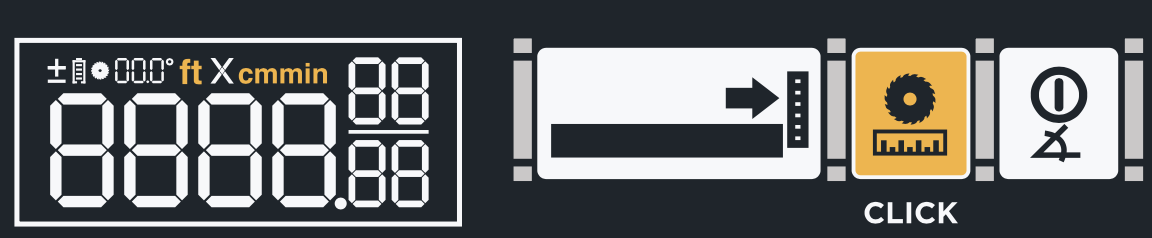
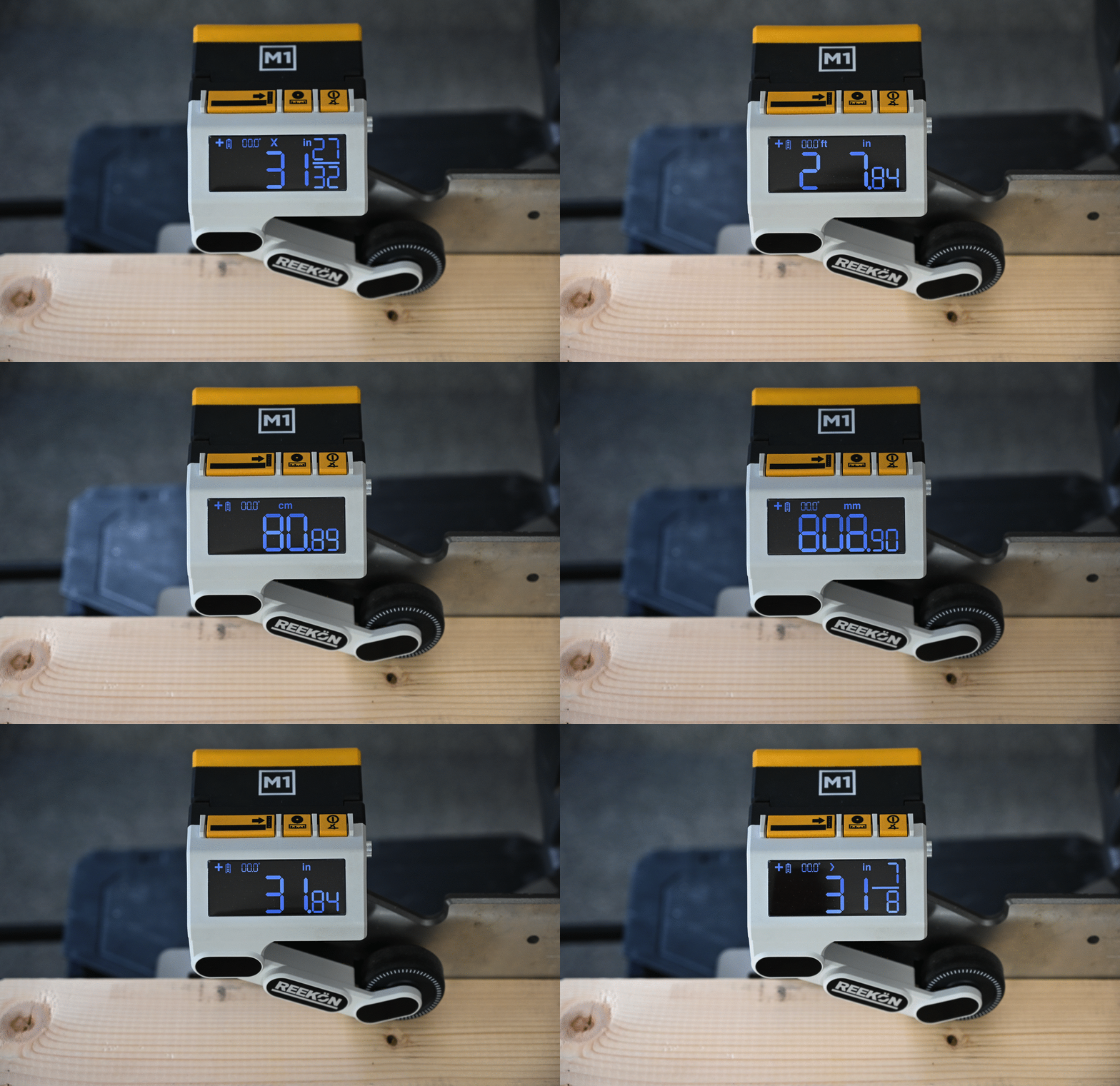
1) Select your desired units
2) Enter the blade width
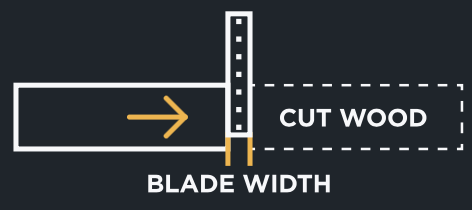
The effective blade width (kerf width) is a measure of the material removed from the work piece each time a cut is made. This value is sometimes listed on the side of the saw blade. If not, a measurement should be taken to determine the width. If you need assistance determining your blade width, please view our support article here.
- Hold the Blade offset button to enter the selection menu
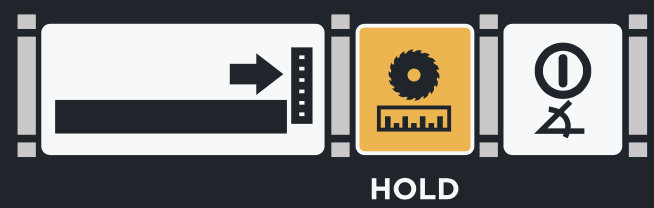
- Use the wheel to rotate until the desired blade width is displayed

- Hit the zero button to confirm
3) Release the arm
Press the arm upward towards the body to unlock and release the arm to the lowered position.
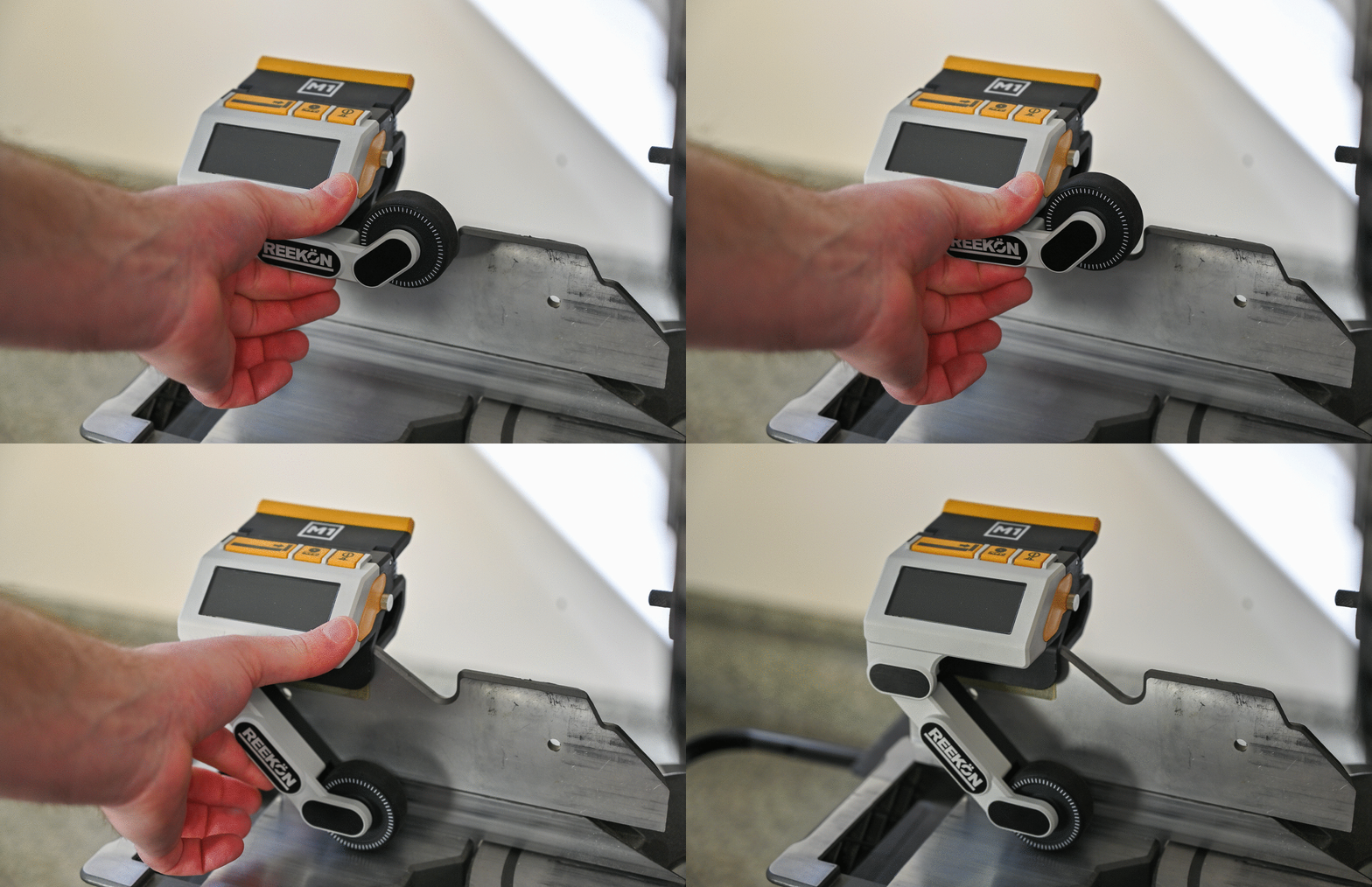
4) Zero your measurement
Zero the material by lightly pressing on the left edge of the saw blade. Press the zero button (left button) to set position. A negative value (blade offset) is displayed on the screen
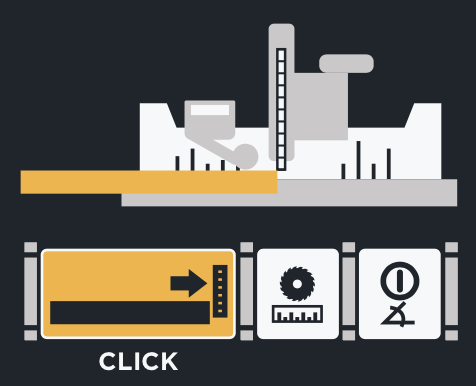
- Be sure to only lightly touch off on the blade as not to cause any deflection
- For most saw blades, the zero point should be in contact with the carbide teeth, not the inside of the blade diameter as the teeth dictate the kerf width.
- Alternatively, an initial cut can be made to remove a small amount of material in order to establish a zero position.
5) Slide material to desired cut location is displayed on the screen
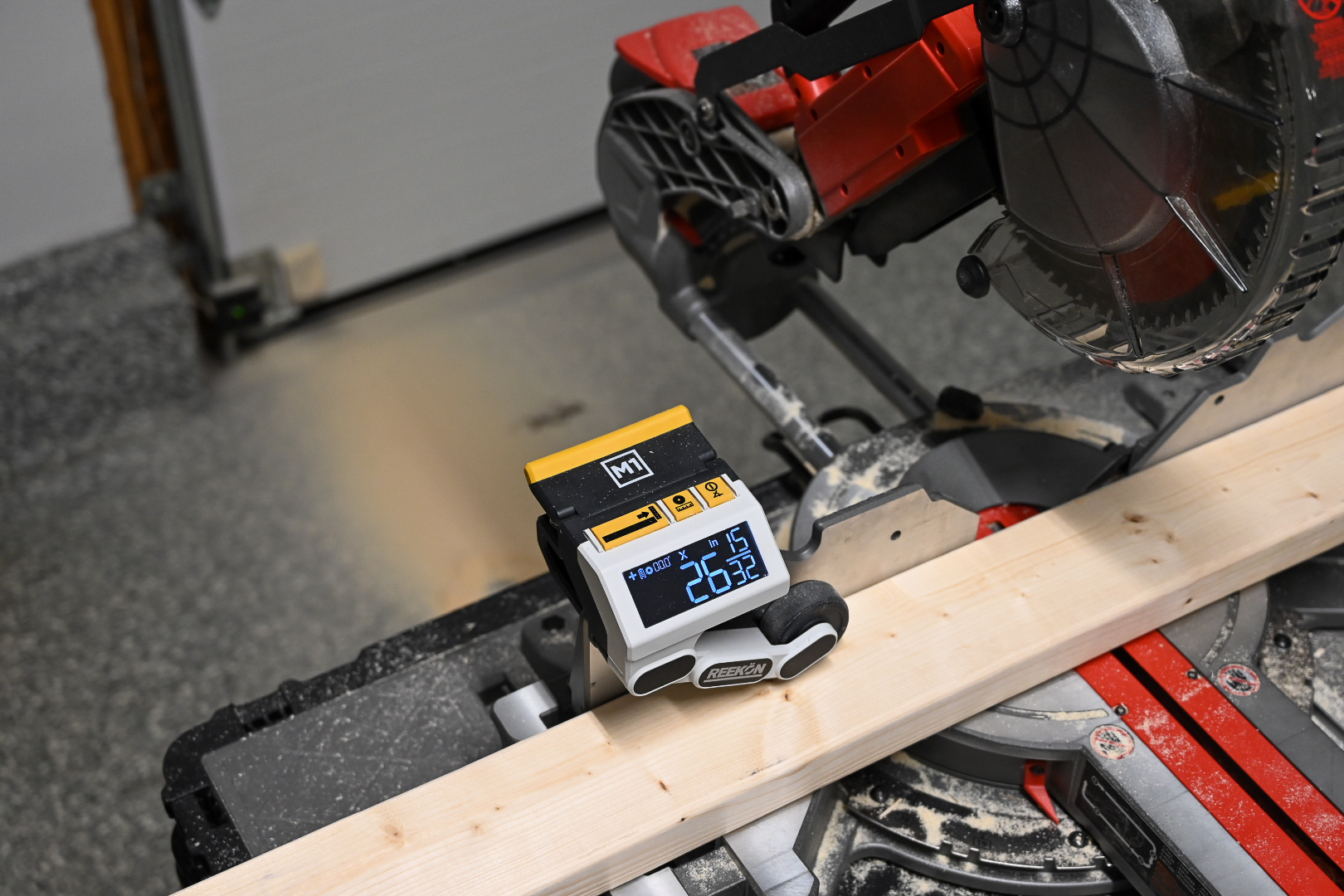
6) Make the cut
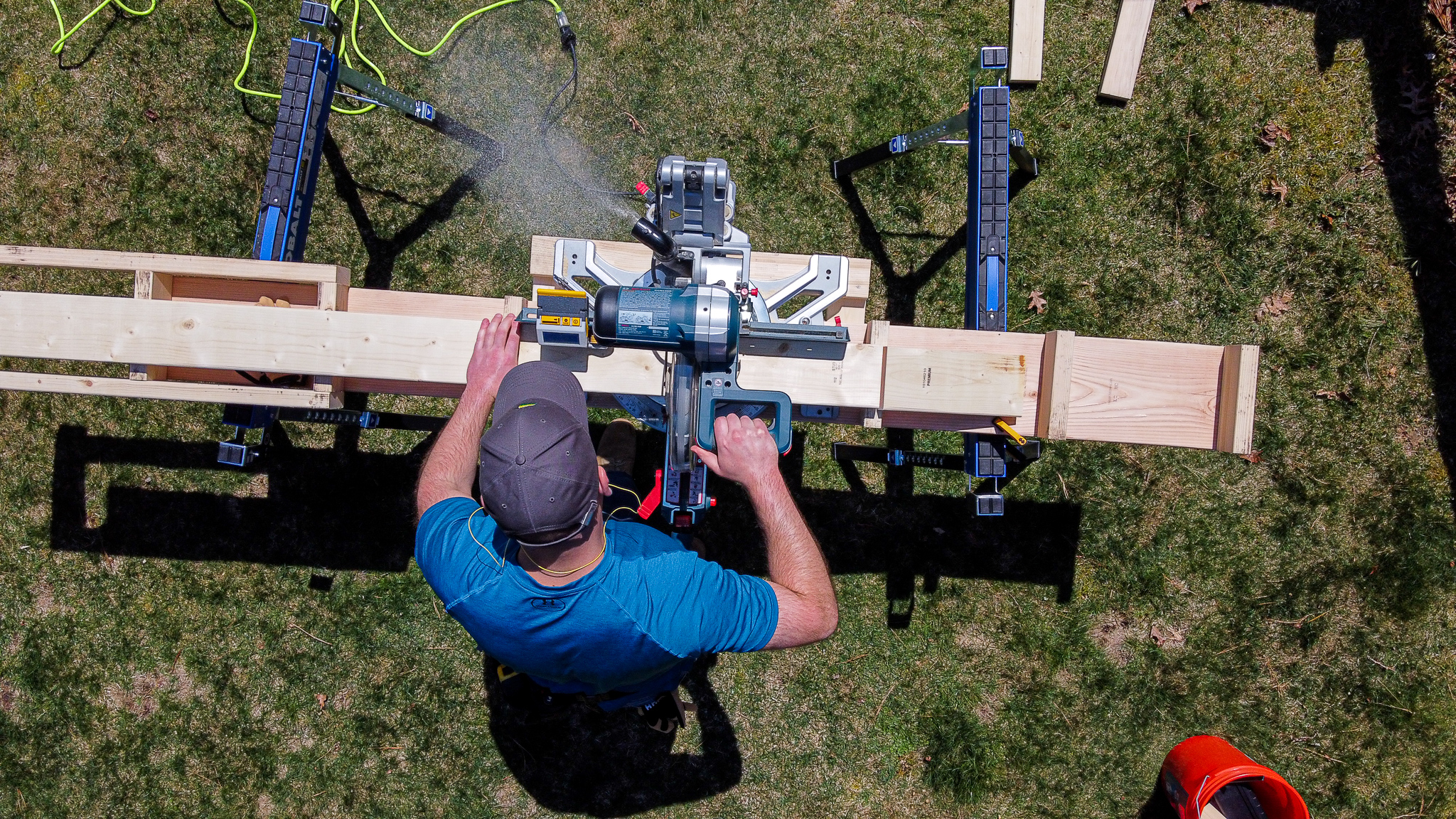
This article concludes the introductory series on getting started with the M1 Caliber. Click here to download the complete Quick Start Guide (also included with every M1 Caliber).
Comments
I am going to try again. I attempted to set the blade width after my calibration and no matter how much I set it to I was a 1/16th short
If you are still having any trouble, please feel free to reach out to us at contact@reekon.tools and we can take a look and help!
Hi
Can you calibrate the M1 with a shorter piece of timber ? I only have 6 foot lengths available. Also does the accuracy cross hairs only appear when using inches?
Thanks
Hi Steve, unfortunately there is no way to calibrate with shorter pieces. The targeting "X" only appears in inches mode to give additional insight on accuracy when fractions appear on the screen vs decimals
Please sign in to leave a comment.